MacBook Pro M5 Max Review: What Apple Actually Changed (And Whether to Upgrade)
iBrave Team · April 2026
Apple announced the new MacBook Pro with M5 Pro and M5 Max chips in March 2026. Here's what's actually different, and whether it matters for you.
MacBook Pro M5 Max Review: What Apple Actually Changed (And Whether to Upgrade)
iBrave Team · April 2026
Apple announced the new MacBook Pro with M5 Pro and M5 Max chips in March 2026. Here's what's actually different, and whether it matters for you.
A new chip that works differently
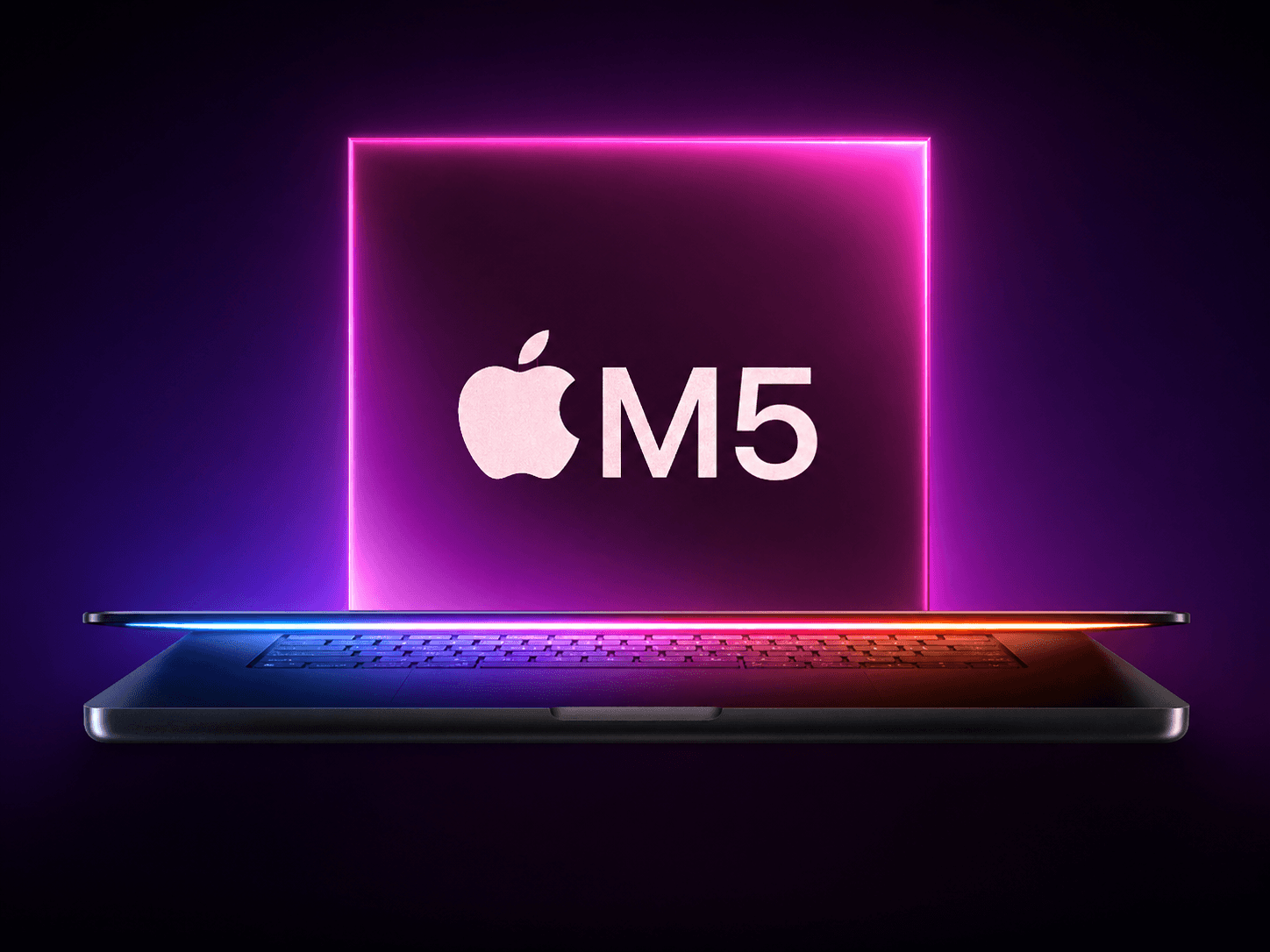
The M5 Pro and M5 Max introduce a major architectural shift. Apple's new Fusion Architecture combines two 3nm CPU and GPU dies into a single chip. This design lets Apple scale performance and efficiency by splitting parts of the chip across multiple physical dies while keeping unified memory and data flow intact.
Before, everything was on one piece of silicon. Now Apple uses two separate "tiles" fused together. More headroom, better performance scaling, less heat per watt.
The M5 Pro is available with either 15 or 18 CPU cores, while the M5 Max features the full 18-core configuration. Apple claims up to 30 percent faster multithreaded performance over M4 Pro and M4 Max, and up to 2.5 times higher multithreaded performance than M1 Pro and M1 Max.
If you're still on M1, that 2.5x figure is not marketing fluff. You'd feel it.
A new chip that works differently
The M5 Pro and M5 Max introduce a major architectural shift. Apple's new Fusion Architecture combines two 3nm CPU and GPU dies into a single chip. This design lets Apple scale performance and efficiency by splitting parts of the chip across multiple physical dies while keeping unified memory and data flow intact.
Before, everything was on one piece of silicon. Now Apple uses two separate "tiles" fused together. More headroom, better performance scaling, less heat per watt.
The M5 Pro is available with either 15 or 18 CPU cores, while the M5 Max features the full 18-core configuration. Apple claims up to 30 percent faster multithreaded performance over M4 Pro and M4 Max, and up to 2.5 times higher multithreaded performance than M1 Pro and M1 Max.
If you're still on M1, that 2.5x figure is not marketing fluff. You'd feel it.
The AI stuff (yes, it's real this time)
M5 Pro and M5 Max deliver over 4x the peak GPU compute for AI compared to the previous generation, thanks to a Neural Accelerator built into each GPU core and higher unified memory bandwidth.
Apple says the M5 Max can train AI models up to three times faster than the M4 Max and up to 12 times faster than the M1 Max. Tasks that once required a desktop workstation, like training local transformer models or working with large custom datasets, can now run on a laptop, even on battery.
And if you don't care about AI at all, the same architecture quietly speeds up photo editing, video export, and general snappiness. You benefit either way.
The AI stuff (yes, it's real this time)
M5 Pro and M5 Max deliver over 4x the peak GPU compute for AI compared to the previous generation, thanks to a Neural Accelerator built into each GPU core and higher unified memory bandwidth.
Apple says the M5 Max can train AI models up to three times faster than the M4 Max and up to 12 times faster than the M1 Max. Tasks that once required a desktop workstation, like training local transformer models or working with large custom datasets, can now run on a laptop, even on battery.
And if you don't care about AI at all, the same architecture quietly speeds up photo editing, video export, and general snappiness. You benefit either way.
Storage is noticeably faster
The new MacBook Pro starts at 1TB of storage for M5 Pro and 2TB for M5 Max, with SSD speeds up to 2x faster than the previous generation. Sequential read and write speeds reach up to 12 GB/s. Moving a 100GB project takes seconds. Not "fast for a laptop" seconds. Actually fast.
Storage is noticeably faster
The new MacBook Pro starts at 1TB of storage for M5 Pro and 2TB for M5 Max, with SSD speeds up to 2x faster than the previous generation. Sequential read and write speeds reach up to 12 GB/s. Moving a 100GB project takes seconds. Not "fast for a laptop" seconds. Actually fast.
Wi-Fi 7 and Bluetooth 6
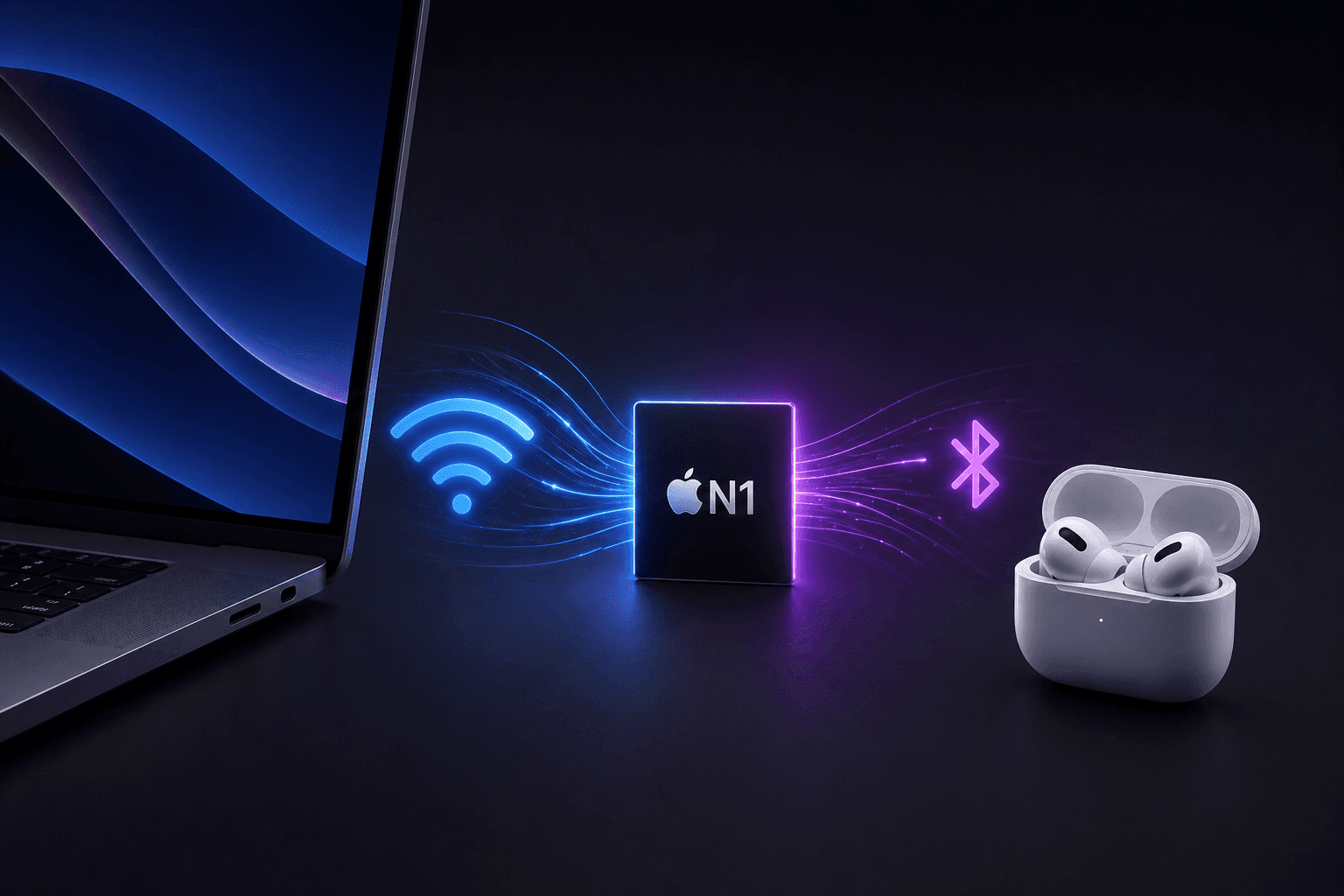
Apple's new N1 chip brings Wi-Fi 7 support, the latest Wi-Fi standard with multi-gigabit throughput and lower latency. Bluetooth 6 is also part of the package, with improved range, speed, and power efficiency.
Most people won't notice Wi-Fi 7 yet. But if your AirPods drop connection when the MacBook is sitting right next to you, Bluetooth 6 is quietly good news.
Wi-Fi 7 and Bluetooth 6
Apple's new N1 chip brings Wi-Fi 7 support, the latest Wi-Fi standard with multi-gigabit throughput and lower latency. Bluetooth 6 is also part of the package, with improved range, speed, and power efficiency.
Most people won't notice Wi-Fi 7 yet. But if your AirPods drop connection when the MacBook is sitting right next to you, Bluetooth 6 is quietly good news.
What Apple didn't touch
No meaningful changes to the design or display hardware compared to the previous generation. Which is fine. The design was already excellent. Apple figured out the form factor a few generations back and has been putting all the energy into what's inside.
What Apple didn't touch
No meaningful changes to the design or display hardware compared to the previous generation. Which is fine. The design was already excellent. Apple figured out the form factor a few generations back and has been putting all the energy into what's inside.
Worth upgrading?
On M1 or M2: yes, the jump is real.
On M3 or M4: you're not missing anything urgent.
Buying new: solid choice with no obvious downsides. More power, faster storage, improved AI performance, same design professionals already trust.
Worth upgrading?
On M1 or M2: yes, the jump is real.
On M3 or M4: you're not missing anything urgent.
Buying new: solid choice with no obvious downsides. More power, faster storage, improved AI performance, same design professionals already trust.
Running into issues with your MacBook Pro M5 — or any older model? iBrave repairs all MacBook Pro generations in Lisbon, Portugal. Screen replacements, battery service, keyboard repairs, liquid damage. Honest pricing, fast turnaround.
Running into issues with your MacBook Pro M5 — or any older model? iBrave repairs all MacBook Pro generations in Lisbon, Portugal. Screen replacements, battery service, keyboard repairs, liquid damage. Honest pricing, fast turnaround.
Other News
Other News
Contact With Us
We’re open Monday to Friday from 10:00 AM to 7:00 PM, and on Saturdays from 10:00 AM to 4:00 PM. We’re closed on Sundays.
Contact With Us
We’re open Monday to Friday from 10:00 AM to 7:00 PM, and on Saturdays from 10:00 AM to 4:00 PM. We’re closed on Sundays.
Contact With Us
We’re open Monday to Friday from 10:00 AM to 7:00 PM, and on Saturdays from 10:00 AM to 4:00 PM. We’re closed on Sundays.